One button. Your sound. Nothing lost.

Abalone turns your sound into something completely different on every click. Keep what you love, shape it, save it.

Tuned by ear by a producer who makes and mixes records.

  1. 01 Mutatea new sound
  2. 02 Varysame sound,
    new amounts
  3. 03 Lockkeep a stage
The real plugin, recorded on a drum loop.

Three moves, not one.

That’s the difference between a slot machine and an instrument.

Mutate

A completely different sound on every click.

Put Abalone on anything: drums, bass, keys, guitars, vocals, acoustic instruments. Each click of MUTATE builds a new sound from scratch, at the same loudness as your dry signal and in time with your project.
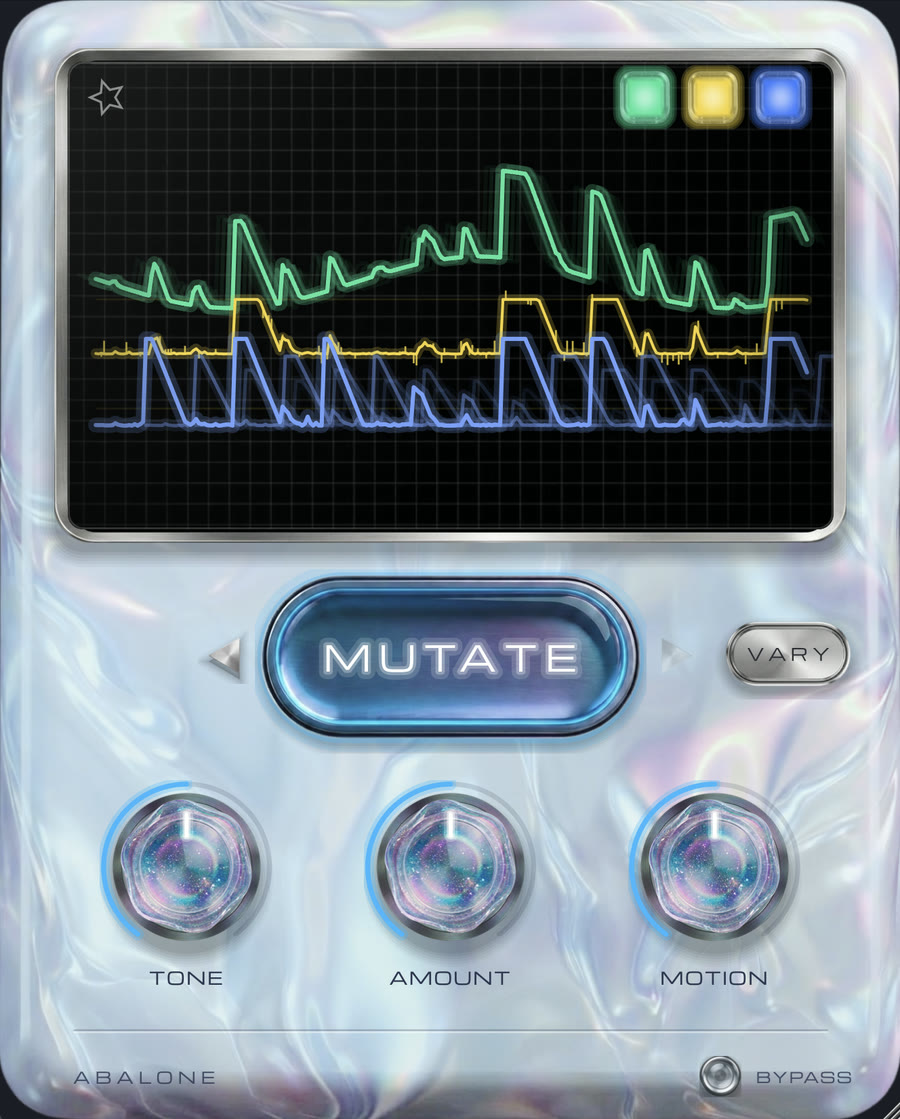
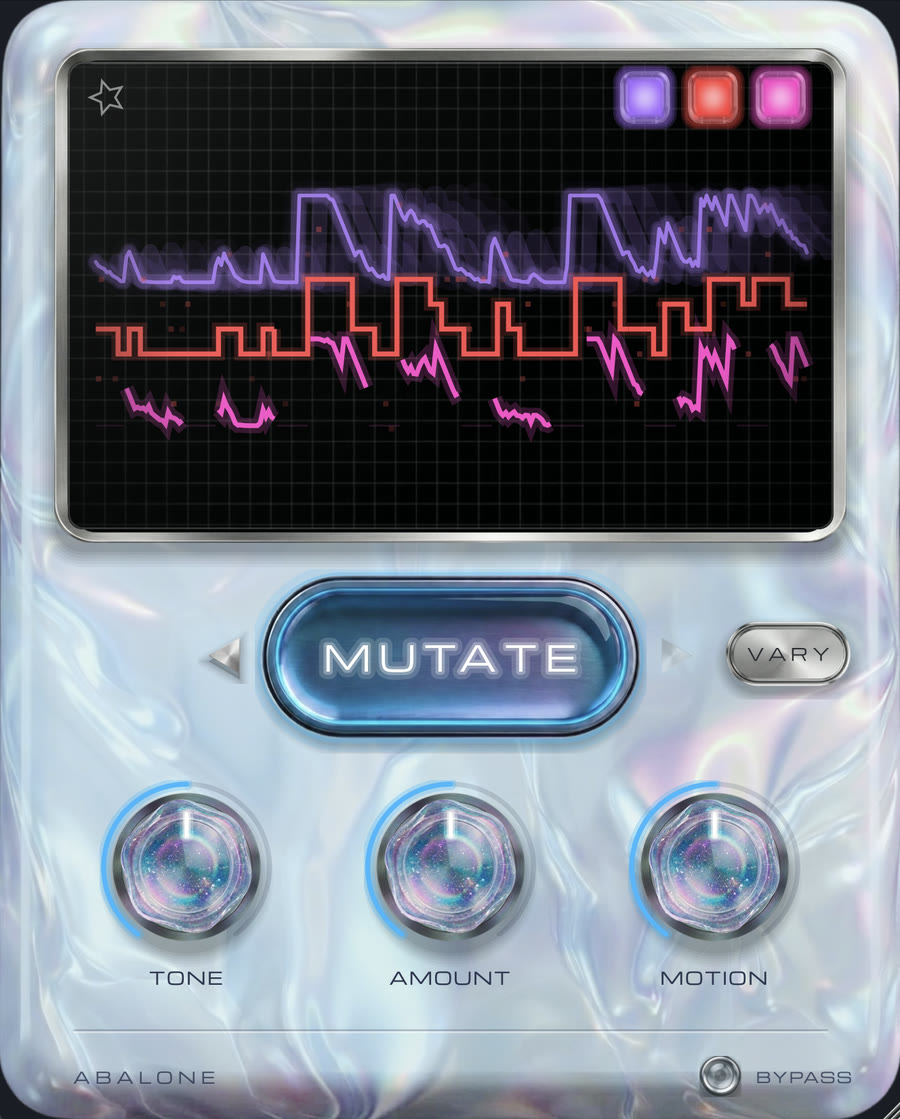
Pick a loop, then press MUTATE.

Real exports and real screens from the plugin, five clicks per loop.

Vary

Same sound, different amounts.

Got something you like at 80%? VARY keeps the recipe and changes the doses, so you can push it further without losing its character. Then finish it by hand.

The MUTATE and VARY buttons, with the back and forward arrows
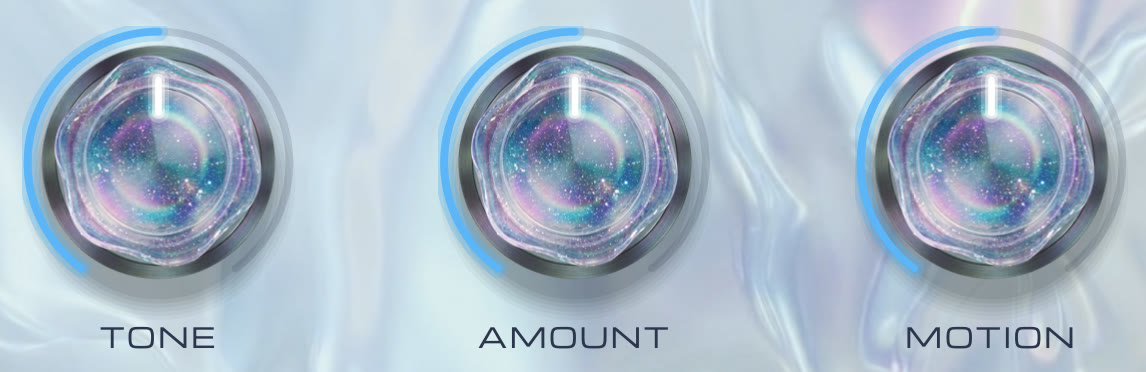
The three knobs: TONE, AMOUNT and MOTION
Tone
dark ↔ bright
Amount
how much effect
Motion
still ↔ rhythmic,
synced to your tempo

Lock

Lock what you love.

Every sound is built in up to three stages, and each stage has its own light. Click a light to lock it: MUTATE and VARY leave that stage alone while everything else changes. Click again to switch it off.

All three stages are free. Click a light to lock it.

Lock a light, then press Mutate. A drawing of the plugin’s screen: here only the lights and waves move. In the plugin, the sound changes with them.

Nothing lost.

One click too many is never a disaster.

Abalone's panel
  1. A FavouritesEight slots. Click to save, click to recall, hold to overwrite. Like the presets on a car radio.
  2. B Back & forwardYour last 20 sounds. The one you skipped past is still there.
  3. C BypassCompare with the dry signal at any moment, with no clicks.

Built to stay in the mix.

Every sound in Abalone was tuned by ear, one by one, by someone who produces and mixes records for a living. Whatever the click, it has to sit in a track.

    Two short beats, one Abalone on each track. Light a track to hear it through Abalone, or switch them all at once.

    Specs

    Formats
    VST3 (Mac & Windows), AU (Mac)
    Mac
    Universal, Apple Silicon & Intel. macOS 10.13+ on Intel, 11+ on Apple Silicon
    Windows
    64-bit, VST3
    Works in
    Ableton Live, FL Studio, Logic Pro, Bitwig, Reaper, Studio One, Cubase, GarageBand and any 64-bit VST3 or AU host
    Not supported
    Pro Tools (AAX), standalone
    Sample rates
    Sounds the same at 44.1, 48 and 96 kHz
    Window
    Resizable
    Licence
    One-time purchase. Activate once online, then it works offline. Up to 3 computers.

    Vale Audio is one producer.

    I make pop, alternative and electronic music, and I mix and master records for other artists.

    Abalone started on a night a lot of you know: an eight-bar loop that was fine, and fine was the problem. I didn’t want to open ten plugins and turn thirty knobs. I wanted to press one button, hear a version of that loop I’d never have gone looking for, and keep it when it was good.

    So I made it, and tuned every sound by ear. Abalone is the first one.

    Abalone

    VA—01 · Audio plugin · Vale Audio

    $45 $29.90 Launch price · ends in a week
    • Abalone for Mac (VST3 & AU) and Windows (VST3)
    • Licence key by email, for up to 3 computers
    • One payment, no subscription
    • 14-day refund, no questions asked
    Buy Abalone · $29.90

    Secure checkout by Lemon Squeezy. Card or PayPal. Prices in USD.

    Questions.

    Does it work in my DAW?

    If your DAW loads VST3 or AU plugins, yes: Ableton Live, FL Studio, Logic Pro, Bitwig, Reaper, Studio One, Cubase, GarageBand and others. Pro Tools (AAX) is not supported.

    Mac or Windows?

    Both. On Mac you get VST3 and AU, universal for Apple Silicon and Intel (macOS 10.13 or later on Intel, 11 or later on Apple Silicon). On Windows you get a 64-bit VST3.

    How do I get it after I buy?

    Right after checkout you get the download and your licence key by email. Install it, open Abalone in your DAW and paste the key once.

    Do I need to be online?

    Only once, to activate. After that Abalone works offline.

    How many computers can I use it on?

    Up to three with one licence key.

    Will it change my volume or my low end?

    No. Every new sound comes out at the same perceived loudness as your dry signal, and the deep lows pass through untouched, so kick and bass stay solid.

    Does it hold up in mono?

    Yes. Abalone is mono-compatible, so it still works on a single phone speaker.

    Is it a subscription?

    No. One payment, and it’s yours.

    Something not working, or want a refund?

    Write to contact@valeaudio.com. For a refund, send the email you bought with and that’s all I need.